Beginner
Office & Professional Skills
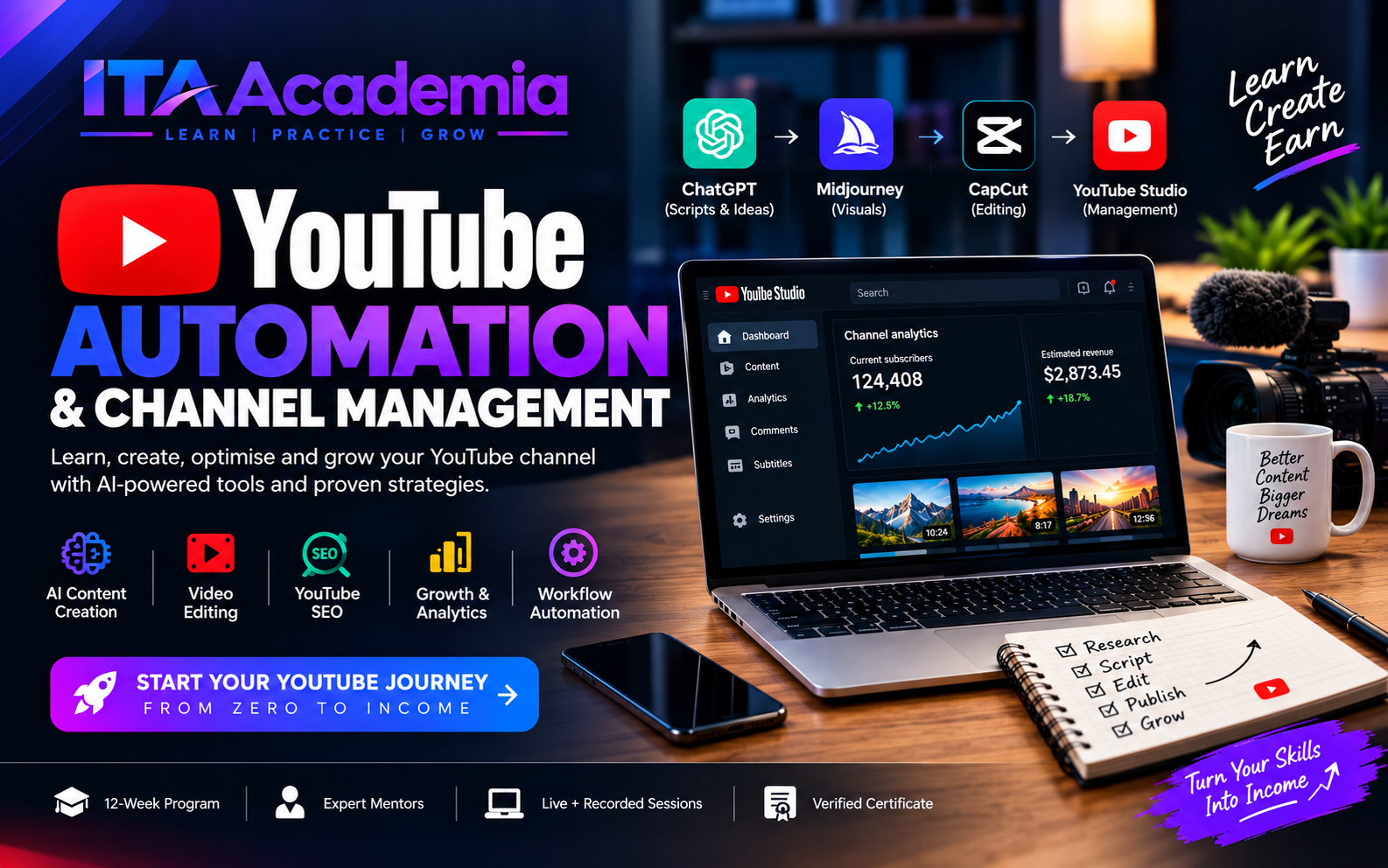
YouTube Automation & Channel Management
A practical course teaching students to research profitable niches, create AI-assisted videos, optimise YouTub...
Learn Power BI, data analysis, DAX, data modeling, and interactive dashboards to transform raw data into meaningful business insights through practical, hands-on training.
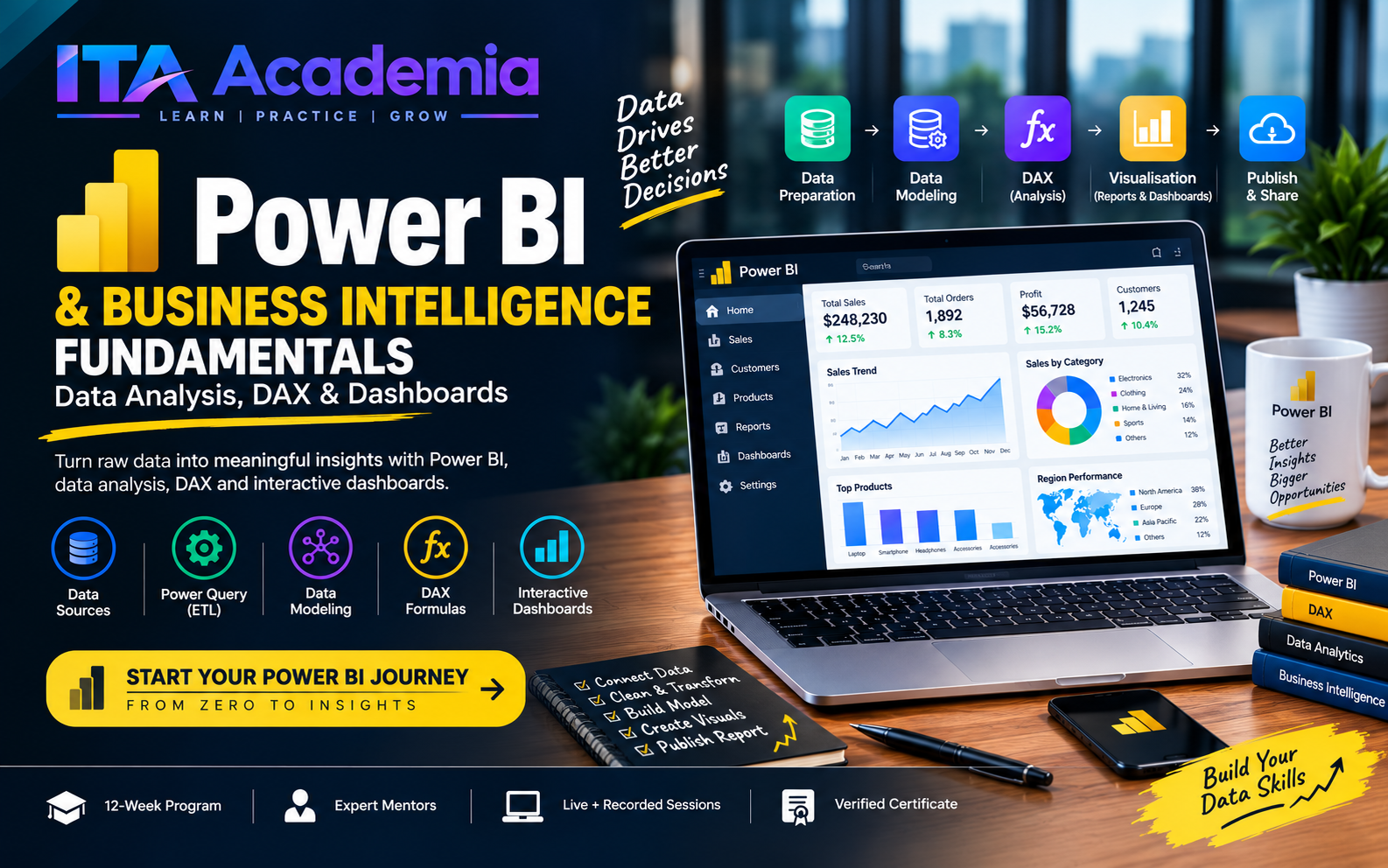
Turn raw data into meaningful insights with Power BI, data visualization, DAX, and interactive dashboards — essential skills for modern data analytics and business intelligence.
The Power BI & Business Intelligence Fundamentals (Data Analysis, DAX & Dashboards) program at ITA Academia is a practical, project-based training track designed to help students analyse data, build interactive reports, and support data-driven decision-making. Through guided instruction and hands-on projects, students learn to connect data sources, clean and transform datasets, develop data models, create compelling visualizations, and present business insights using Microsoft Power BI.
Students practise data cleaning, data modeling, KPI development, and interactive reporting through hands-on exercises. They work towards creating portfolio-ready dashboards based on business scenarios such as sales performance, financial reporting, customer analysis, and operational performance.
Students who meet ITA Academia's applicable course completion requirements receive an ITA Academia Certificate of Completion. Practical projects help demonstrate the data analysis and reporting skills developed during the programme.
Beginners can join; no prior Power BI experience is required. Basic computer skills and familiarity with spreadsheets are helpful. A laptop or computer capable of running Power BI Desktop. A stable internet connection for learning resources and online activities. Willingness to practise data analysis and complete hands-on projects. A Windows computer is recommended because Power BI Desktop is primarily a Windows application.
Curriculum details will be published soon. Contact admissions for the full outline.
Instructor details will be announced with the batch schedule.
A practical course teaching students to research profitable niches, create AI-assisted videos, optimise YouTub...
Job-ready MS Word, Excel, PowerPoint, Outlook and Google Workspace skills with practical office scenarios.
Speak confidently in interviews, client calls and presentations - technical vocabulary, email etiquette and pe...