Admissions are open for the Fall 2026 batches ΓÇö limited seats, apply today! Apply now
Duration
12 Weeks
Mode
Hybrid
Audience
School Students (5th – 12th)
Certificate
Verified

Essential computer skills for school students and beginners: Windows, typing, MS Office, internet research and online safety.

The Computer Basics & Digital Literacy program at ITA Academia is a 6-week, mentor-led track designed around real industry workflows. Every module combines live instruction with guided labs, and ends with a graded deliverable that goes straight into your portfolio.

What makes this course different

  • Project-based learning: you build real, demonstrable work ΓÇö not just slides and quizzes.
  • Industry mentors: taught by practitioners who are actively shipping in their domain.
  • Career systems: CV and portfolio reviews, mock interviews and placement support through our hiring-partner network.
  • Flexible pacing: morning, evening and live-online batches with recorded sessions for revision.

By the end of this course you will be able to

  • Operate a computer confidently
  • Type accurately at 30+ WPM
  • Create documents, sheets and presentations
  • Search and evaluate information online
  • Stay safe from scams and cyber-bullying

Certification

Graduates receive an ITA Academia verified certificate of completion and a transcript of assessed projects. Selected students are recommended to hiring partners and internship programs.

What you will learn

  • Operate a computer confidently
  • Type accurately at 30+ WPM
  • Create documents, sheets and presentations
  • Search and evaluate information online
  • Stay safe from scams and cyber-bullying

Who should attend

  • School students from Grade 5 to Grade 12
  • Parents looking for a productive, future-ready activity
  • Students preparing for computer science careers

Prerequisites

No prior experience required. Basic computer literacy and a laptop are recommended.

Course curriculum · 6 modules

Hands-on sessions, guided labs and a graded assignment covering computer hardware & windows.

  • Concepts & live demo
  • Guided lab exercise
  • Assignment & review

Hands-on sessions, guided labs and a graded assignment covering typing & file management.

  • Concepts & live demo
  • Guided lab exercise
  • Assignment & review

Hands-on sessions, guided labs and a graded assignment covering ms word & powerpoint.

  • Concepts & live demo
  • Guided lab exercise
  • Assignment & review

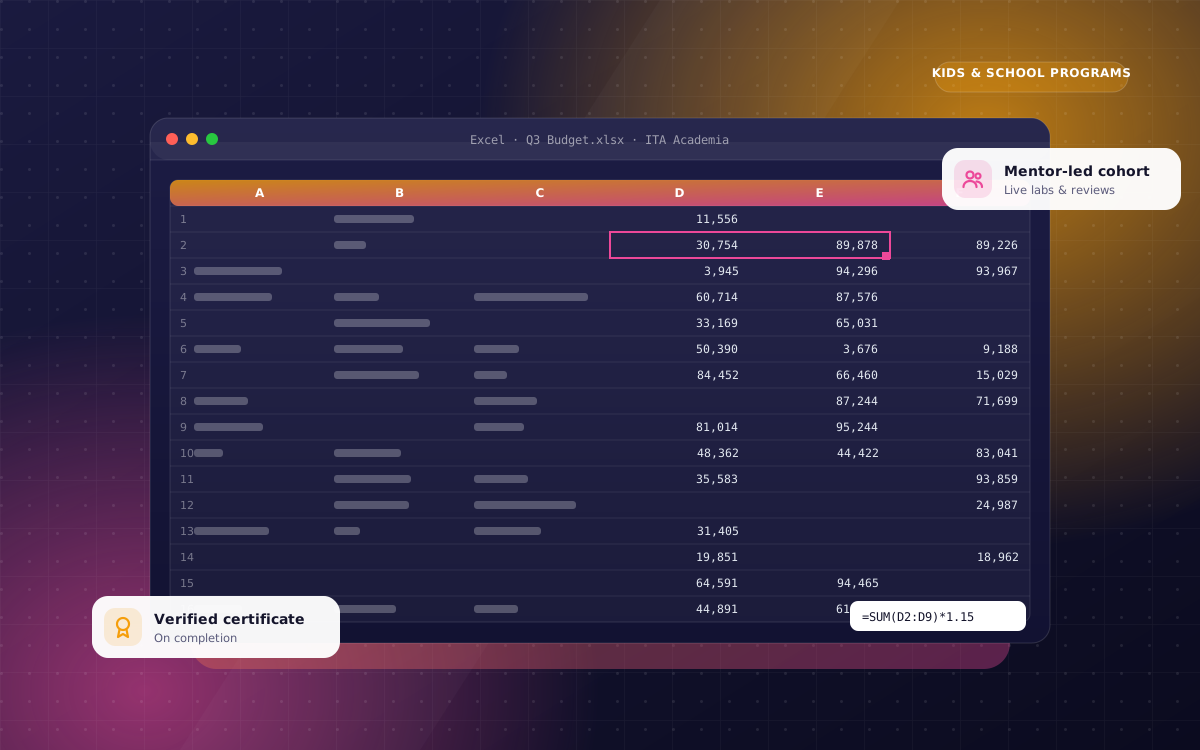
Hands-on sessions, guided labs and a graded assignment covering ms excel basics.

  • Concepts & live demo
  • Guided lab exercise
  • Assignment & review

Hands-on sessions, guided labs and a graded assignment covering internet, email & research.

  • Concepts & live demo
  • Guided lab exercise
  • Assignment & review

Hands-on sessions, guided labs and a graded assignment covering online safety.

  • Concepts & live demo
  • Guided lab exercise
  • Assignment & review
Muhammad Imran

Muhammad Imran

Networking & IT Support Trainer · CCNP, MCSA

Imran has trained hundreds of network engineers and support technicians and runs the academy hands-on labs.

CCNAWindows ServerHardwareHelpdesk
Related

More in Kids & School Programs